How to Create Empty DataFrame in Pandas

- Name
- Rajiv Chandra
Updated on
Working with datasets is a core part of any data analysis workflow. Whether your data comes from a CSV file, SQL database, JSON response, or an external API, Pandas provides a powerful and intuitive interface for cleaning, transforming, and exploring it.
In this guide, we’ll walk through several practical ways to create an empty DataFrame in Pandas, explain when to use each approach, and introduce modern best practices (including creating empty DataFrames with column types).
🚀 Want to instantly turn your DataFrame into an interactive visualization tool?
PyGWalker is an open-source Python library that adds a drag-and-drop UI for data exploration—right inside your Jupyter Notebook.
Try it with:
pip install pygwalker
import pygwalker as pyg
gwalker = pyg.walk(df)
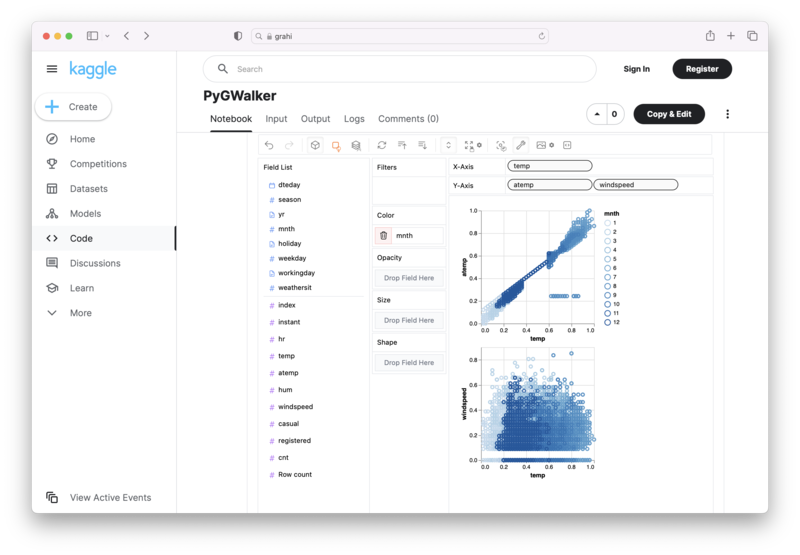
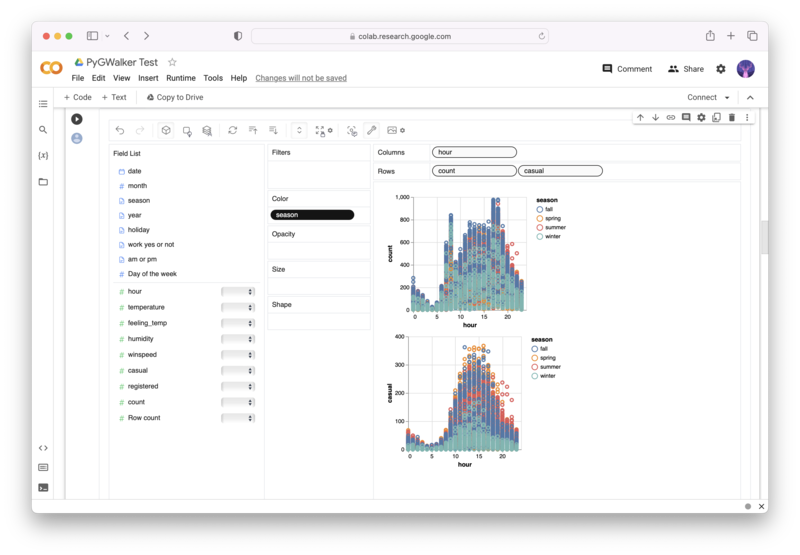
You can try PyGWalker instantly using these online notebooks:
| Run PyGWalker in Kaggle Notebook (opens in a new tab) | Run PyGWalker in Google Colab (opens in a new tab) | Give PyGWalker a ⭐️ (opens in a new tab) |
|---|---|---|
 |  |  |
What is a DataFrame?
A DataFrame is a two-dimensional, tabular data structure in Pandas where each column can hold different data types. You can think of it like a spreadsheet or SQL table. DataFrames support powerful operations including:
- filtering and slicing
- merging and joining
- aggregation
- reshaping
- visualization
Why Create an Empty DataFrame?
Empty DataFrames are useful when you need to:
- define a schema before loading data
- append rows programmatically
- initialize a result table for loops or aggregations
- prepare a structure for incremental updates
Example: preparing a table with product information before ingesting data.
⭐ Quick Comparison of Methods
| Method | Best Use Case |
|---|---|
pd.DataFrame() | Create a completely empty shell |
pd.DataFrame(columns=[...]) | Define column names only |
pd.DataFrame({col: []}) | Define columns using empty lists |
pd.Series(dtype=...) | Define both column names and dtypes (recommended for professional workflows) |
pd.DataFrame.from_dict() | Same as dict method; mainly stylistic |
How to Create an Empty DataFrame (3 Classic Methods + 1 Modern Best Practice)
Method 1: Using the DataFrame() Constructor
The simplest way:
import pandas as pd

df = pd.DataFrame()
print(df)
Output:
Empty DataFrame
Columns: []
Index: []
To add columns afterward:
df.columns = ['ProductID', 'ProductName', 'Description', 'Price']
df
Method 2: Using a dict() of Empty Lists
This method defines column names while keeping the DataFrame empty:
import pandas as pd

data = dict(ProductID=[], ProductName=[], Description=[], Price=[])
df = pd.DataFrame(data)
df
Method 3: Using from_dict()
Equivalent to method 2 — mostly stylistic:
import pandas as pd

data = {
    'ProductID': [],
    'ProductName': [],
    'Description': [],
    'Price': []
}

df = pd.DataFrame.from_dict(data)
df
⭐ Modern Method (Recommended)
Create an Empty DataFrame with Column Names and Data Types
In Pandas 2.x, it's best practice to define column types upfront:
import pandas as pd

df = pd.DataFrame({
    "ProductID": pd.Series(dtype="int"),
    "ProductName": pd.Series(dtype="string"),
    "Description": pd.Series(dtype="string"),
    "Price": pd.Series(dtype="float"),
})

df
This approach is ideal when:
✔ You're loading data from APIs ✔ You want predictable types ✔ You're building ETL pipelines ✔ You want to avoid dtype warnings later
How to Check if a DataFrame is Empty
Use the .empty attribute:
df = pd.DataFrame()
print(df.empty)   # True

non_empty = pd.DataFrame({"A": [1]})
print(non_empty.empty)  # False
Conclusion
Creating an empty DataFrame is a foundational task in Pandas. Depending on your workflow, you can:
- create a simple empty shell
- initialize columns with names
- define explicit dtypes (recommended for clean pipelines)
- use dict-based schemas for readability
Now you can confidently choose the best method for your project and build cleaner, more predictable Pandas workflows.